
PASS IT TO ANOTHER COACH
Share HoopSketch.
A clear first look, wherever you share. Choose your channel, then copy the link or save the image.
01 / SHARE
Text messages
Send this link in iMessage or an Android messaging app. This is also the default HoopSketch link for other apps. Previews depend on the recipient’s settings.
02 / SHARE
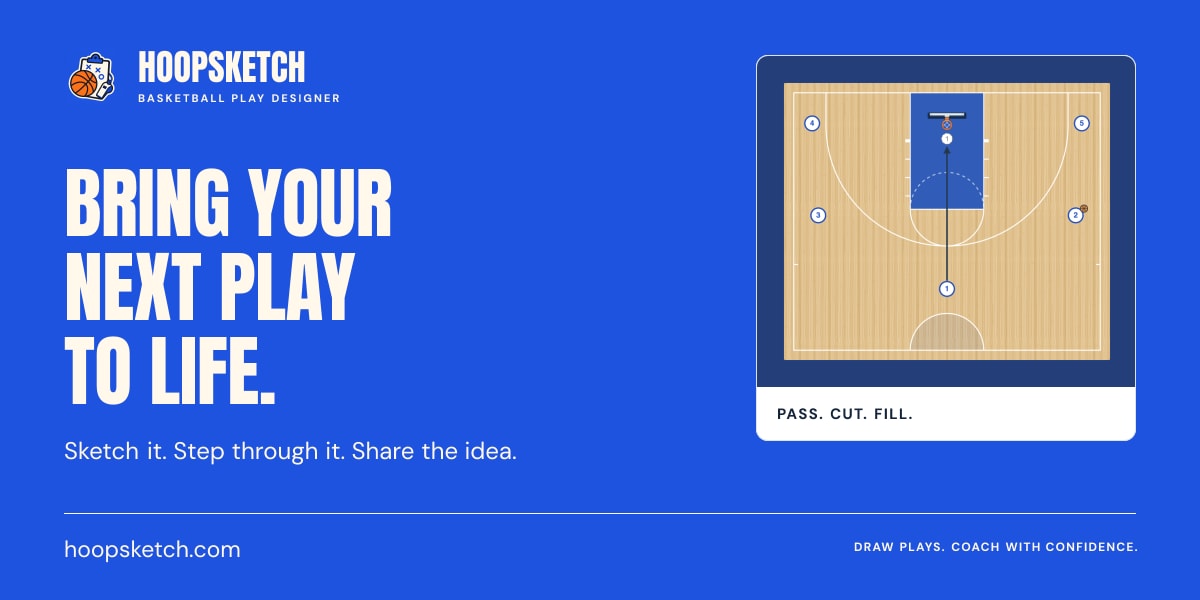
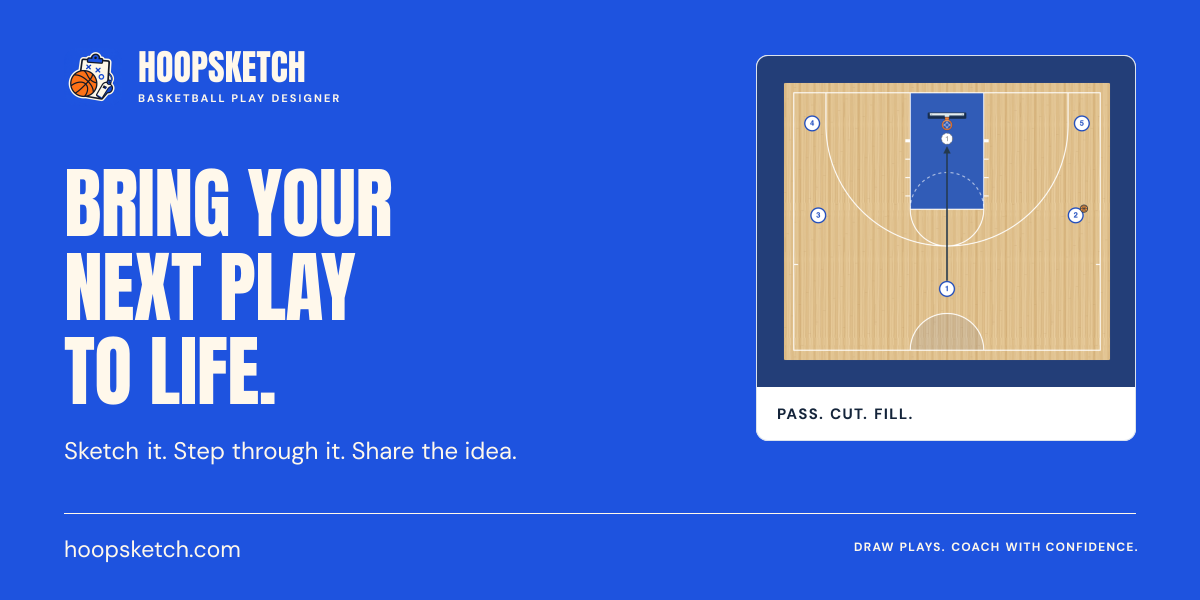
Paste this link into your post and wait for the preview to appear. It uses the card below.

03 / SHARE
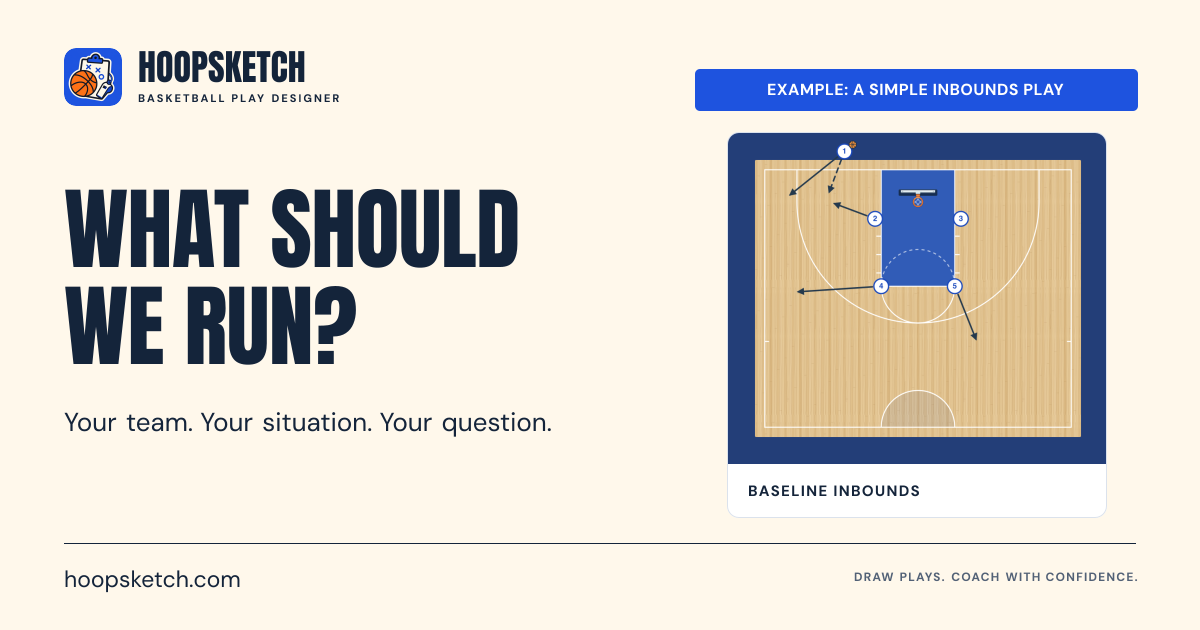
Paste this link into your post to use the card below. You can also download the image and attach it.
04 / SHARE
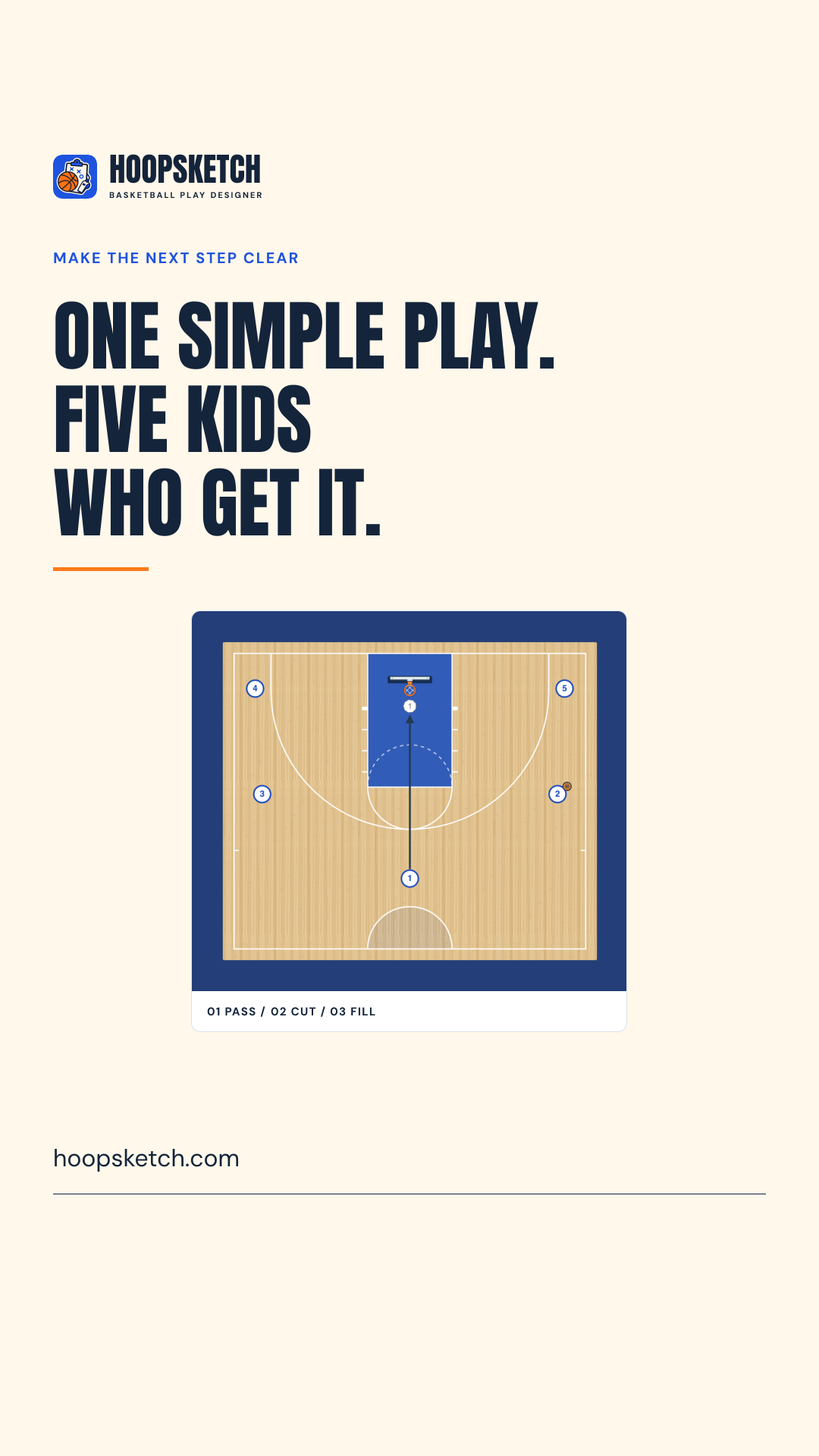
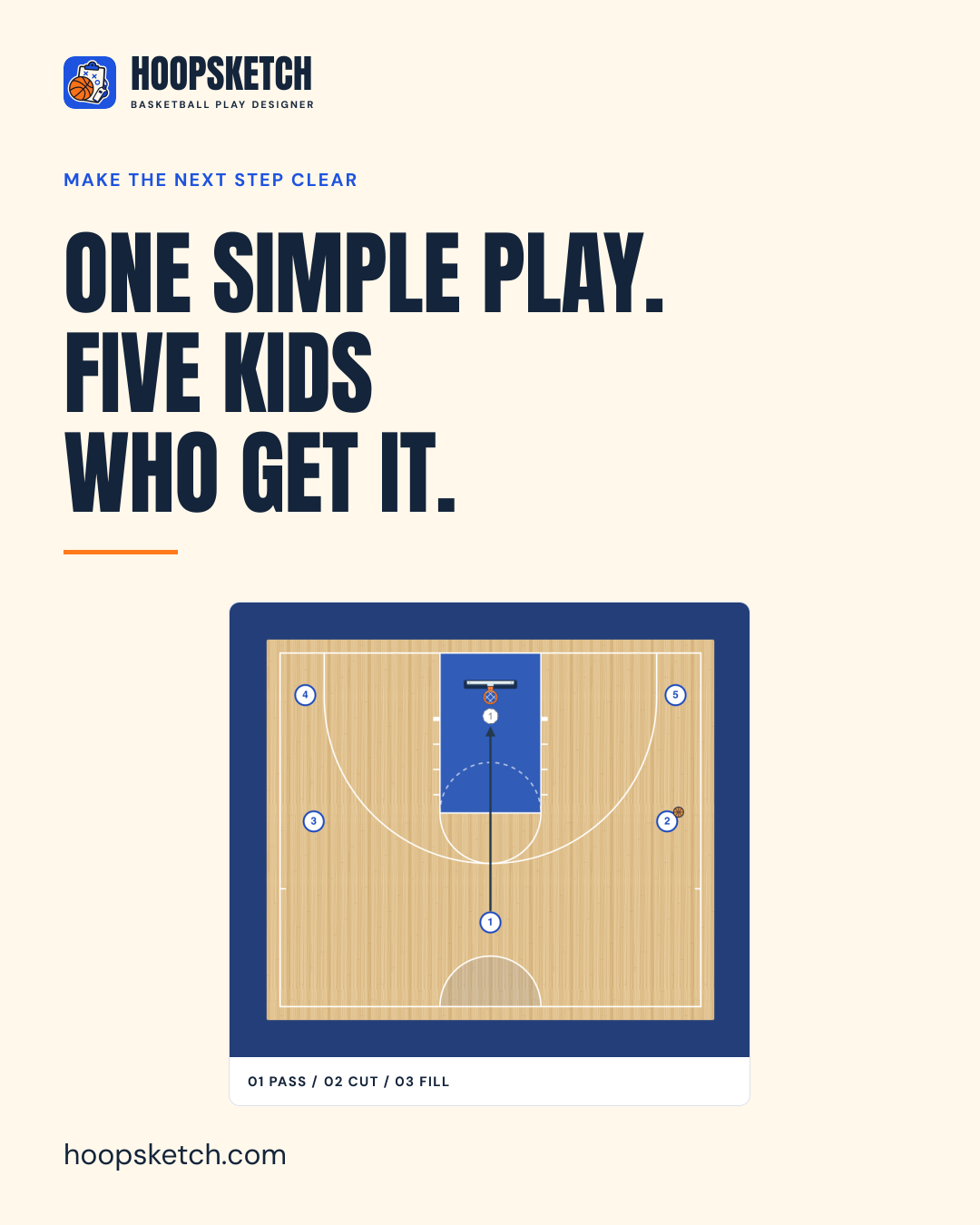
Upload the feed image or Story image. Add a real link sticker to your Story, or point feed viewers to your profile link. Use the link below as the destination.
05 / SHARE
For a consistent card, insert this image into your email at about 600 pixels wide and link it to HoopSketch. Include the text link below too; some mail apps hide images or do not create previews.
Already shared a link? Apps sometimes keep the older preview. Try a fresh message or post. These cards introduce HoopSketch; to share one of your plays, use Share inside the designer.